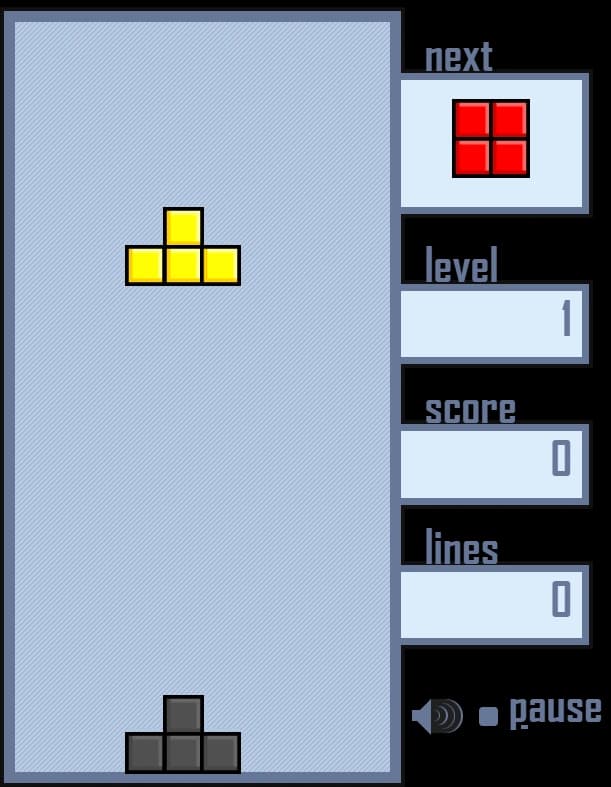
Brick Blaze
Games > Brick Blaze
Play Brick Blaze • Free
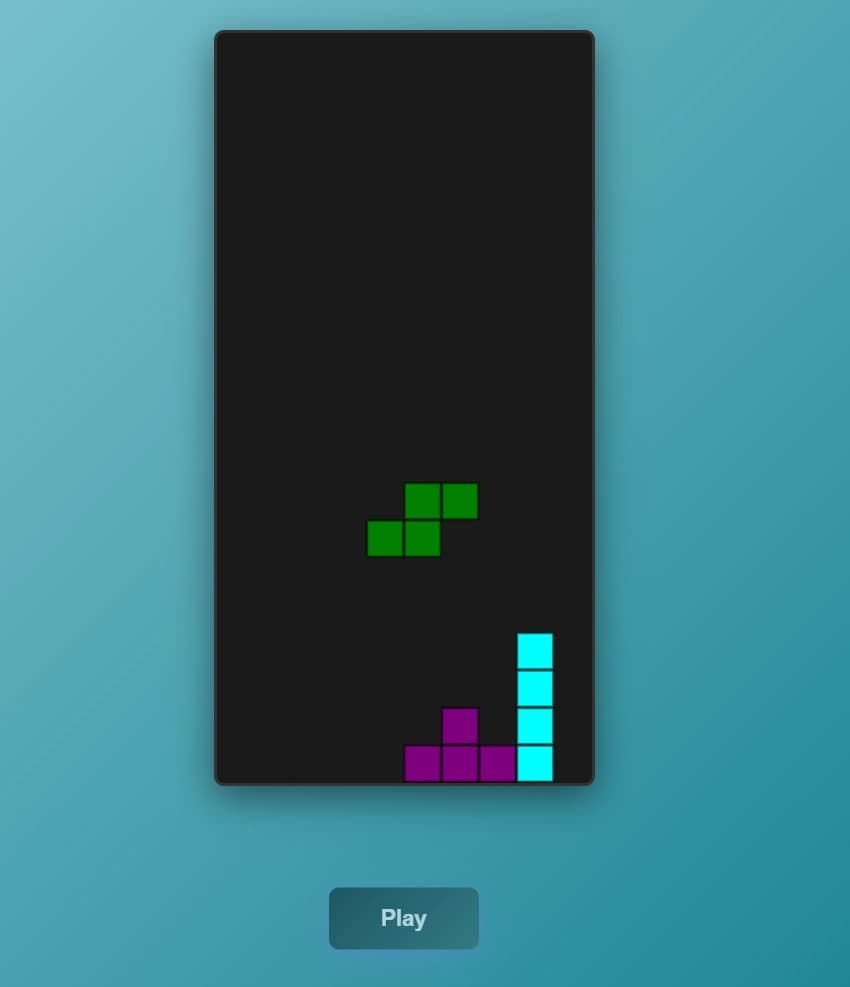
The classic Tetris puzzle game—rotate and drop falling blocks to complete rows and clear the board. Challenge yourself across 10 difficulty levels with increasingly fast-paced gameplay and compete for the highest score.
Genre: Puzzle
Difficulty: Easy to Hard
Developer · Quiz Editor
Omik Babariya is a full-stack developer and quiz editor at Unihfy Games. He writes most of the quiz questions, works on the sports and entertainment articles, and has built and tested a number of the games on the site.
Brick Blaze was originally created by Tomás Malbrán and is published here under its original licence terms. We host and maintain this version, with our own improvements for gameplay, browser compatibility, and mobile devices, while preserving the required attribution.
Published in the original repository under the name tetris.
How to Play
- Select your starting difficulty level (1-10) on the main menu. Higher levels mean faster gameplay.
- Press Enter or click 'Start' to begin the game.
- Colored blocks (Tetriminos) will fall from the top of the board one at a time.
- Rotate the falling pieces using X or Up Arrow (clockwise) and Z (counter-clockwise) to position them strategically.
- Move pieces left and right using the Arrow Keys to align them with existing blocks.
- Use Down Arrow for a controlled soft drop, or press Ctrl/Space for a hard drop to instantly place the piece.
- Complete horizontal rows with blocks to clear them and earn points.
- Clear multiple rows at once for bonus points (up to 4 rows = 1200 points).
- Watch the 'Next' preview panel on the right to plan ahead for upcoming pieces.
- Avoid letting blocks stack to the top of the board—the game ends when blocks reach the top.
- Earn enough lines to advance to the next level and increase the difficulty.
- Use Pause (P key) anytime to take a break without losing your progress.
Gameplay Preview
Features
FAQs
How do I rotate pieces in different directions?
Use X or Up Arrow key to rotate clockwise, and Z key to rotate counter-clockwise. This gives you maximum flexibility in positioning pieces on the board.
What's the difference between soft drop and hard drop?
Soft drop (Down Arrow) lowers the piece slowly, giving you control and time to adjust position. Hard drop (Ctrl or Space) instantly places the piece at the bottom. Hard drops are faster but less precise.
How do I earn more points?
You get points for each piece placed (based on the level multiplier). Clearing lines gives bonus points: 40 for 1 line, 100 for 2 lines, 300 for 3 lines, and 1200 for 4 lines (clearing all at once).
What does the difficulty level do?
Higher difficulty levels (1-10) make pieces fall faster and last longer, increasing the game's speed and challenge. You must clear 10 lines per level to progress to the next one.
Can I pause the game anytime?
Yes! Press P anytime during gameplay to pause. You can resume with the Continue option or start a new game from the pause menu.
What's the ghost piece for?
The ghost piece (shown in gray) previews exactly where your falling piece will land if you don't rotate or move it. Use it to plan your placement strategy.
How do I save my high score?
When the game ends, you'll be prompted to enter your name. Click OK to save your score to the leaderboard and see how you rank against other players.
More like this
Ready for a Challenge?
Play quizzes, earn XP, collect rewards and climb the leaderboard.
Go to Quiz ArenaMore like this

Ready for a New Challenge?
Take on exciting quizzes, improve your general knowledge, earn XP, collect rewards, maintain your daily streak, and compete with players on the Quiz Arena leaderboard.
Go to Quiz Arena