Understanding Browser Games And How They Evolved
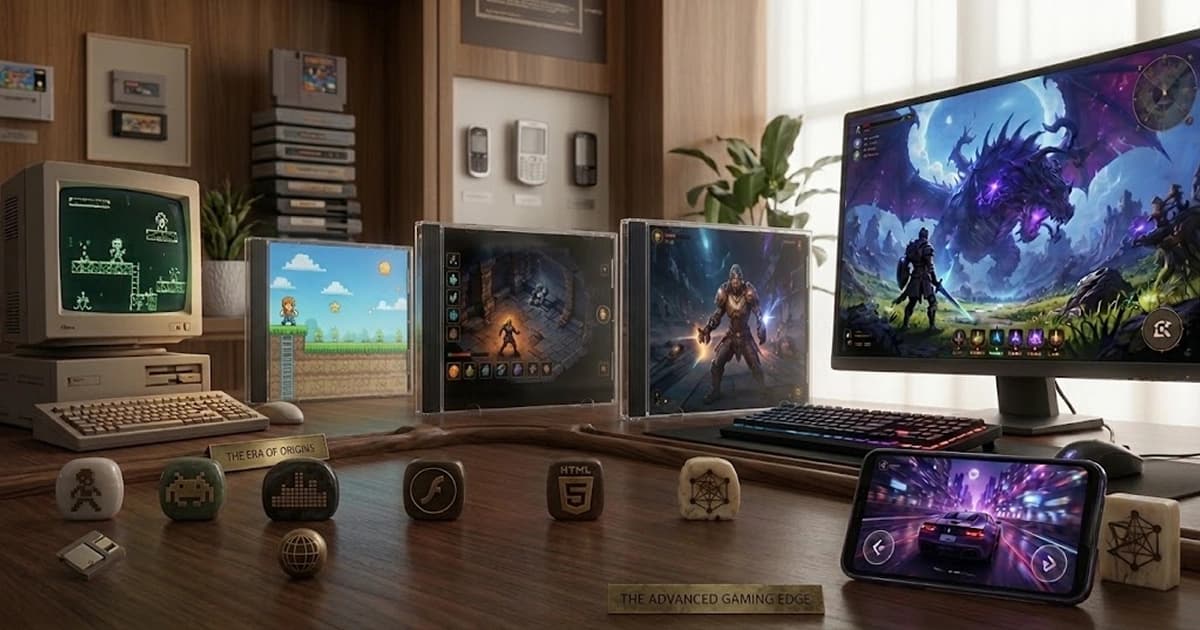
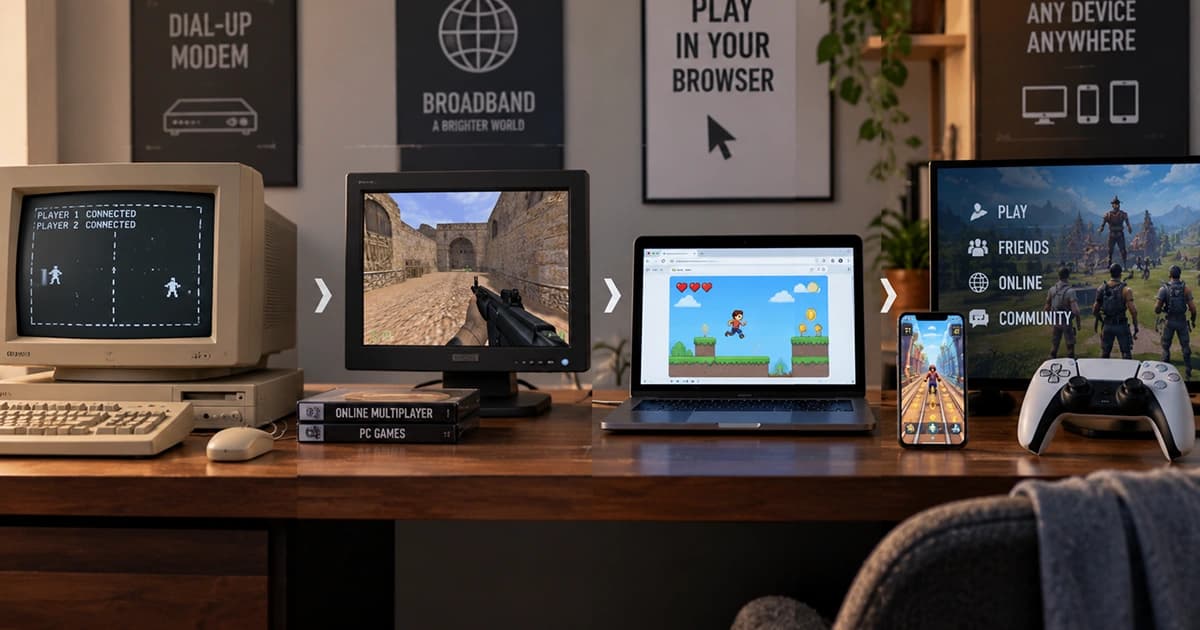
Browser games have changed dramatically since the earliest days of the web. What began as small experiments and simple interactive experiences gradually developed into a major form of online entertainment that could reach players without traditional software installation.
Different technologies shaped each stage of that journey. Java applets helped demonstrate that websites could contain interactive programs, Flash made animated browser games widely accessible, and modern web standards eventually allowed games to run directly through technologies built into the browser.
Today's browser games can include detailed 2D graphics, 3D environments, online multiplayer systems, touch controls, audio, saved progress, and experiences that work across many different devices. The browser has evolved from a document viewer into a capable platform for interactive software.
Learning this history makes modern browser gaming easier to understand. Many features that now feel ordinary were made possible by decades of improvements in browsers, internet connections, graphics technology, and the way developers build experiences for the web.
How HTML5 Games Work Inside A Web Browser
The term HTML5 game usually describes a game built with modern web technologies rather than a single technology called HTML5. HTML provides the structure of the page, CSS can help control presentation and interface styling, and JavaScript manages much of the game's logic and interaction.
Modern browsers also provide technologies for drawing graphics, playing sound, responding to keyboard and touch input, storing data, communicating with servers, and using hardware-accelerated graphics. Developers combine these capabilities to create complete games that run inside a browser tab.
When a player opens a browser game, the browser downloads the required files and processes them locally. It displays the visuals, listens for player input, updates the game state, and repeatedly renders new frames as the game runs.
This architecture is one reason modern browser games can work across different operating systems. Instead of creating a separate traditional installation for every platform, developers can build around web standards supported by modern browsers.
Why Browser Games Can Start Without Traditional Downloads
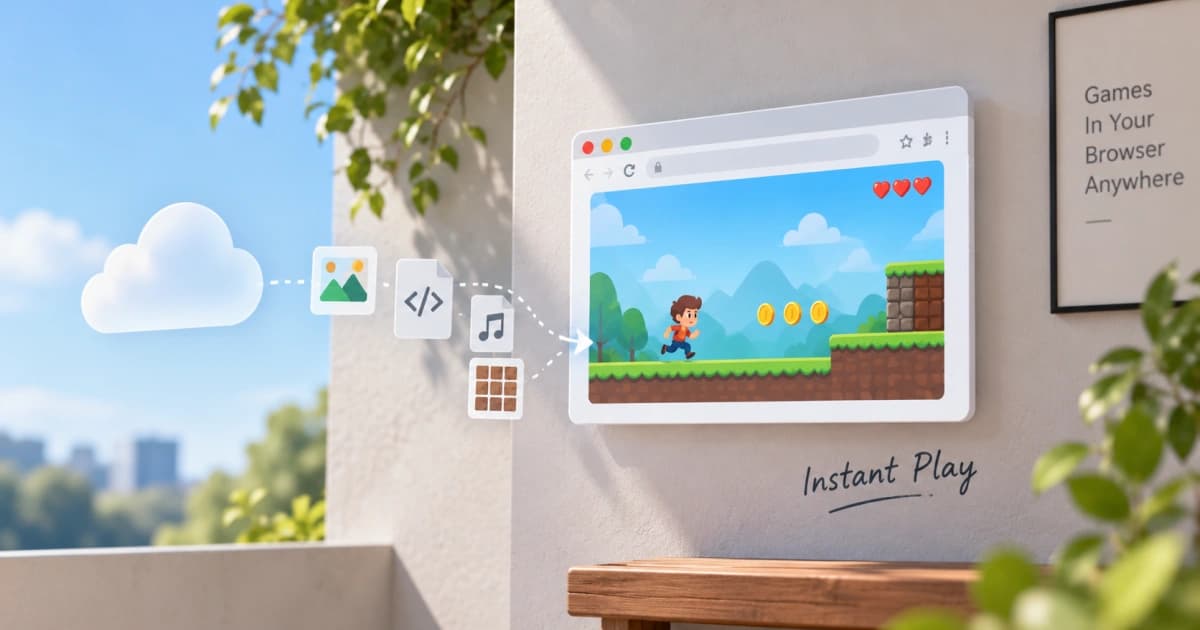
Browser games often feel instant because players do not usually need to download an installer, complete a setup process, or manually manage game files before playing. Opening the game page allows the browser to request the resources it needs automatically.
This does not mean that no data is transferred. Images, scripts, audio, and other resources still need to reach the player's device. The important difference is that the browser handles this process as part of loading and running the web experience.
Caching can also make repeat visits faster by allowing some previously downloaded resources to remain available locally. Developers may further improve loading by compressing assets, delaying unnecessary resources, and loading parts of a game only when they are needed.
The result is a different relationship between the player and the game. Instead of treating installation as a separate task, browser games make loading part of the experience itself, reducing the number of steps between discovering a game and beginning to play.
Choosing Between Puzzle, Arcade, And Strategy Games
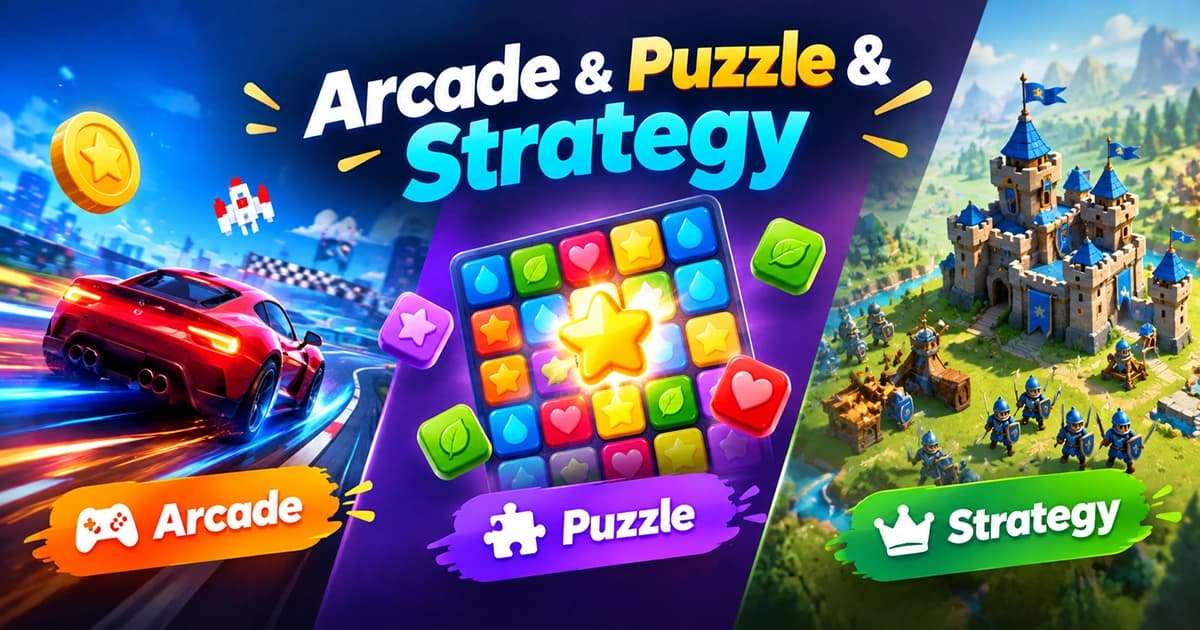
Browser games cover many genres, but puzzle, arcade, and strategy games offer especially different styles of play. Understanding those differences can help players choose experiences that better match their interests, available time, and preferred level of challenge.
Puzzle games usually focus on patterns, logic, planning, or finding solutions. Arcade games often emphasize quick reactions, repeated attempts, movement, timing, and improving a score. Strategy games are more likely to reward planning, resource management, positioning, and decisions that affect later outcomes.
These categories are not strict boundaries. A puzzle game may require speed, an arcade game may include strategic choices, and a strategy game may contain puzzle-like challenges. Many modern games combine ideas from several genres.
The best starting point depends on what a player wants from the session. Someone looking for a short and energetic experience may prefer arcade gameplay, while another player may enjoy solving a careful puzzle or thinking through a longer strategic challenge.
How To Learn Browser Game Controls More Easily
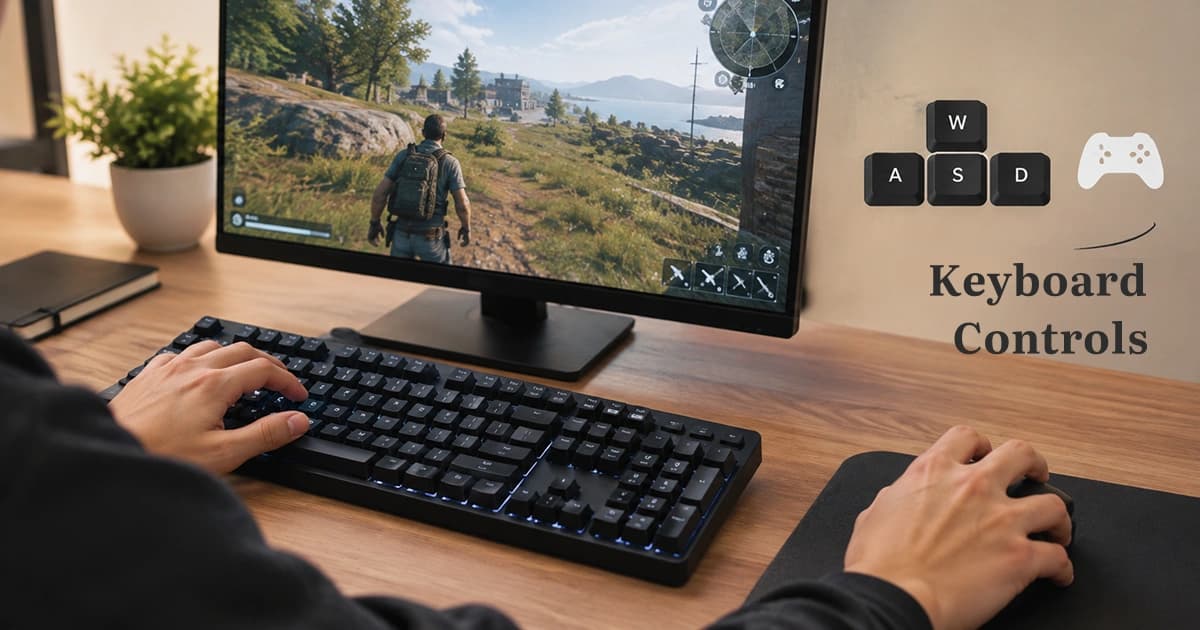
Most browser games are designed around familiar input methods such as the keyboard, mouse, touchscreen, or a combination of them. Although controls vary between games, common patterns make new games easier to understand.
Movement often uses the arrow keys or WASD, while keys such as Space, E, Shift, and number keys frequently handle jumping, interaction, sprinting, abilities, or item selection. Mouse movement and buttons may control aiming, camera movement, selection, or direct interaction with the game world.
A useful approach is to learn the controls in layers. Start with movement, identify the primary action, and then add secondary controls gradually. Trying to memorize every command before playing can make a simple control scheme feel more complicated than it really is.
Touchscreen games require a slightly different approach because virtual controls share space with the game itself. Clear buttons, gestures, and responsive layouts help translate familiar gaming actions to phones and tablets.
Playing HTML5 Games On Phones And Tablets
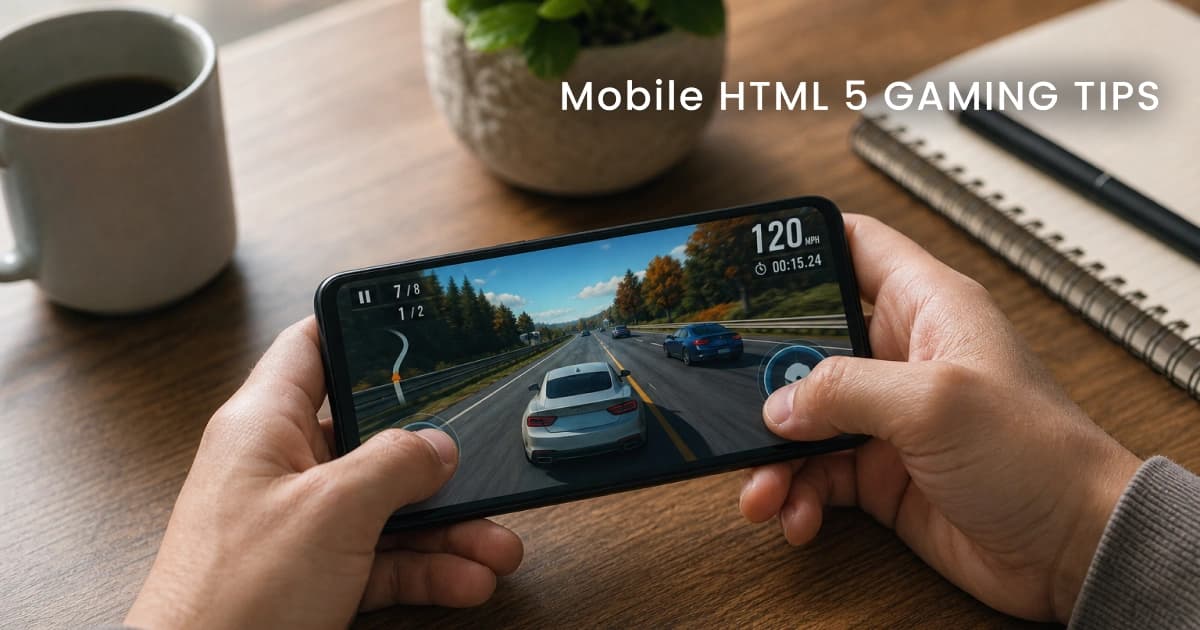
Modern mobile browsers can run many of the same web technologies used by desktop browsers, allowing HTML5 games to work on phones and tablets without requiring a separate traditional installation.
The experience can still differ from desktop play. Smaller screens, touch input, device orientation, browser interface elements, battery usage, and available memory can all affect how comfortable a game feels on mobile.
Players can often improve the experience by using the intended screen orientation, closing unnecessary background apps, keeping the browser updated, and choosing games designed with responsive controls. A stable connection can also matter for games that load resources continuously or communicate with online services.
Good mobile browser games adapt rather than simply shrinking a desktop experience. Their controls, interface, text, and interactive areas need to remain usable on a touchscreen where there is no physical keyboard or precise mouse pointer.
How We Evaluate Browser Games Before Recommending Them
A browser game should be judged on more than whether its page opens successfully. A useful evaluation considers how the game loads, whether its controls respond correctly, how clearly it explains itself, and whether the overall experience remains stable during real play.
Testing should include different stages of the experience. The initial loading process matters, but so do gameplay responsiveness, menus, restart behavior, sound controls, fullscreen features, saved progress, and the way the game behaves after longer sessions.
Different screen sizes and input methods can reveal problems that are easy to miss on a single desktop computer. A game that works well with a mouse may have difficult touch controls, while a layout that looks correct on a phone may behave differently on a tablet.
The goal of testing is not to demand that every game be identical. Different games are designed for different audiences. The important question is whether the game delivers its intended experience clearly, reliably, and without unnecessary obstacles for the player.
How Online Games Grew Beyond Single-Player Experiences
Online gaming evolved alongside faster internet connections and more capable web technologies. Early online experiences were often limited by slow connections, simple graphics, and the difficulty of keeping multiple players synchronized.
As the web improved, games gained more opportunities for competition, cooperation, accounts, leaderboards, shared worlds, and persistent progress. Social features became part of the experience rather than something completely separate from gameplay.
Modern online games can communicate with servers while the player continues interacting with the game. This allows scores to update, progress to synchronize, players to exchange information, and game worlds to respond to events happening beyond a single device.
The evolution continues as browsers become more capable. Technologies for graphics, networking, and high-performance code have expanded what developers can create, reducing the gap between web experiences and other forms of online gaming.
How Browser Games Remember Your Progress
A browser game can save progress in several ways, and the method used affects where that progress is available. Some games store information locally in the browser, while others connect progress to an online account or remote server.
Local storage can remember information such as settings, unlocked levels, scores, or other small pieces of game state on the same browser and device. This approach can be simple and fast, but clearing browser data or changing devices may remove access to that progress.
Account-based and server-based systems can make progress available across multiple sessions or devices. The game identifies the player and retrieves saved information from a remote system rather than depending entirely on one browser.
Understanding the difference explains why some games continue exactly where a player stopped while others appear to reset after browser data is removed. Saving progress is not one universal feature but a collection of different storage approaches chosen according to the needs of each game.
A Practical Place To Learn More About Browser Gaming
Browser gaming includes far more than simply opening a page and pressing play. Behind each experience are technologies for graphics, controls, loading, storage, networking, mobile compatibility, and many other systems working together.
The Guides section explores these topics in a way designed for regular players as well as curious readers who want to understand what happens behind the screen. Some guides focus on history and technology, while others explain practical topics such as controls, mobile play, game genres, testing, and saved progress.
You do not need programming knowledge to explore these subjects. The goal is to explain browser gaming from the fundamentals upward, using clear examples and structured explanations rather than assuming technical expertise.
As browsers and online games continue to evolve, understanding the foundations makes new developments easier to follow. The technologies may change, but the central idea remains the same: making interactive experiences easier for people to access and enjoy through the web.
Frequently Asked Questions
What is a browser game?
A browser game is a game designed to run through a web browser. Modern browser games commonly use web technologies such as HTML, CSS, JavaScript, Canvas, WebGL, and WebAssembly.
Do browser games need to be downloaded?
Browser games still transfer files and resources to your device, but the browser usually handles this automatically as part of loading the game, so players do not need to use a traditional installer.
What is an HTML5 game?
An HTML5 game is a common name for a game built with modern web technologies that can run directly in compatible web browsers without older browser plugins.
Can browser games work on mobile devices?
Many modern browser games work on phones and tablets, especially when they are designed with responsive layouts, touch controls, and mobile performance in mind.
How do browser games save progress?
Browser games may save progress locally in the browser or remotely through an account and server. The method used determines whether progress can survive cleared browser data or move between devices.
What is the difference between puzzle, arcade, and strategy games?
Puzzle games generally emphasize solving problems, arcade games often focus on quick action and repeated attempts, and strategy games usually reward planning and decision-making.
What controls do browser games usually use?
Browser games commonly use arrow keys, WASD, Space, mouse input, touch controls, and other nearby keyboard keys depending on the type of game.
How are browser games tested?
Browser games can be evaluated by checking loading, controls, gameplay stability, interface clarity, mobile behavior, screen sizes, audio, restart features, and other parts of the complete player experience.
Are browser games only simple games?
No. Modern web technologies can support detailed 2D games, hardware-accelerated 3D graphics, online multiplayer features, audio, saved progress, and other advanced experiences.
Do I need technical knowledge to read the browser game guides?
No. The guides are designed to explain browser gaming concepts clearly from the fundamentals, without requiring programming or web development knowledge.